Starting with the 11.13 update Jamf Pro administrators have reported that the details button in policy logs isn’t working as intended. Instead of showing the details of the policy clicking this button no longer does anything. This can make troubleshooting policy errors difficult.

Fortunately after some discussions on Mac Admins Slack https://www.macadmins.org it’s been identified that clearing all the browser cache will fix this issue. As a bonus Jamf has now fixed PI120308, introduced in November 2024 that resulted in the policy logs no longer having a horizontal scroll bar!
Google Chrome Fix
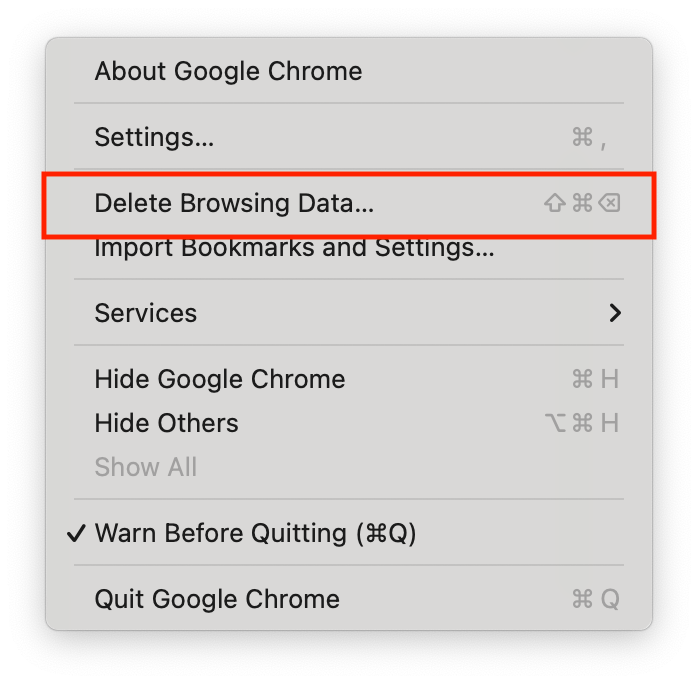
For Google Chrome simply choose Chrome from the Menu Bar, then “Delete Browsing Data…”
Select only “Cached images and files” then click Delete data.

Refresh the Jamf Pro console and the Details button should now work!
 IT Notes